Hotspot and Data Roaming Set the right switch.
With a sim.do eSIM you share the data package as a hotspot, and you turn on Data Roaming on this line once you are at the destination. Both apply only to the sim.do eSIM.

In short
Hotspot is generally possible with sim.do plans. Shared traffic counts toward the booked data allowance. Data Roaming must be on for the sim.do line, or many travel eSIMs do not register on the local network. The same switch on the main SIM is a different setting and can cause charges on your contract.
Hotspot uses the same package
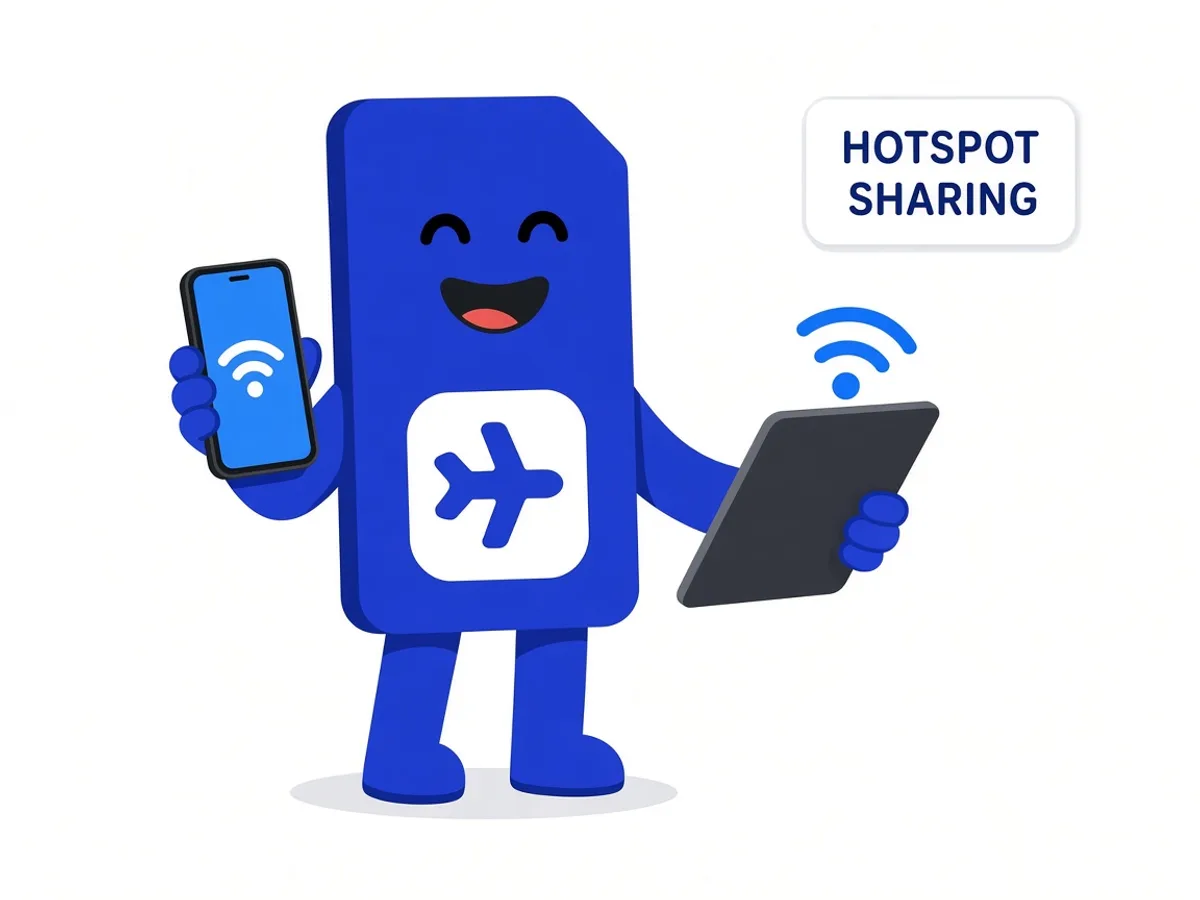
Tethering is generally allowed with sim.do plans. Your phone must support the feature, and the network at the destination must not block sharing. In most travel countries that is not a problem. Rarely, a local network limits hotspot.
There is no separate hotspot quota. A laptop, tablet, and second phone use the gigabytes of the plan. How allowance and the period fit together is under Data and validity.
Data Roaming on the sim.do line
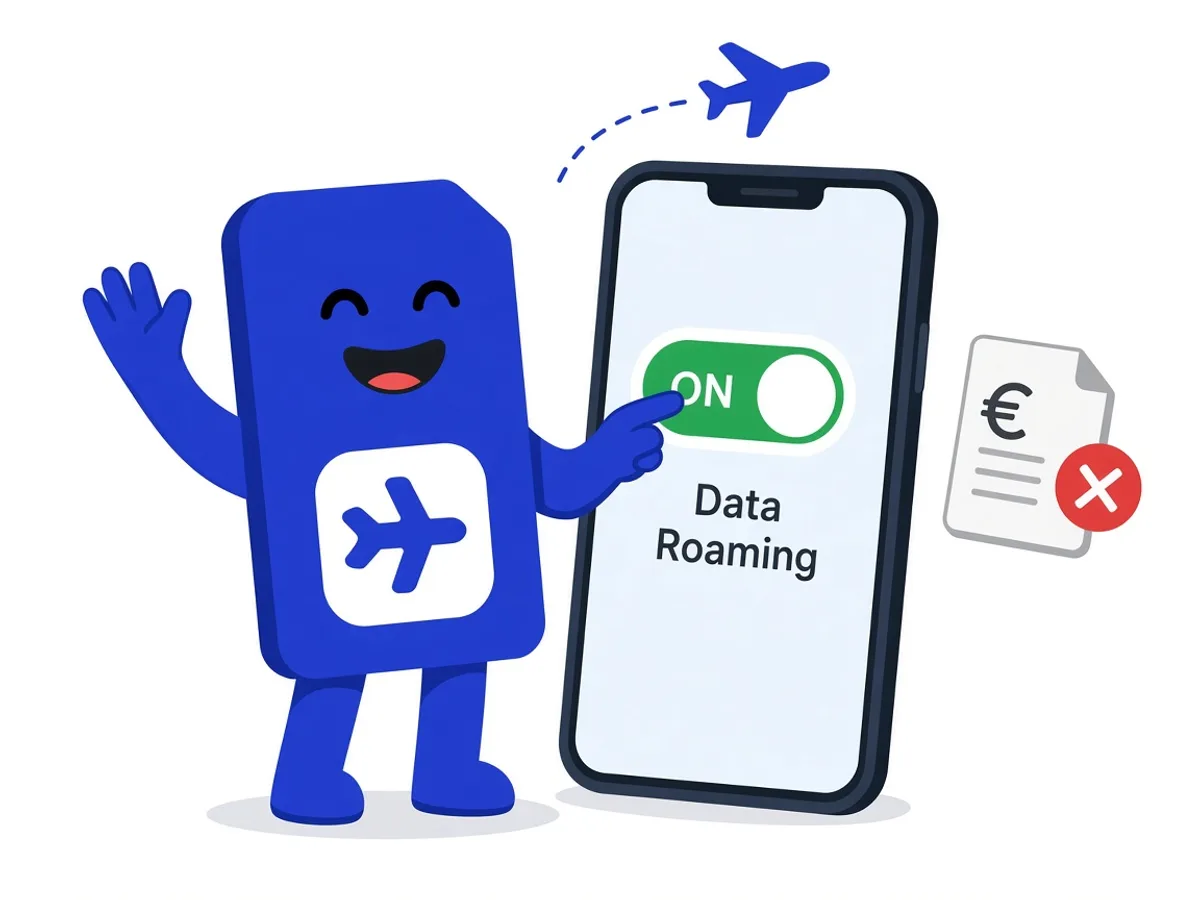
Travel eSIMs register in the destination country as a guest on a partner network. For that, Data Roaming must be on for exactly this line.
That is not a free pass for the home contract. On iPhone you set Data Roaming per line. Turn it on for sim.do and off for the main SIM if that contract should not use data abroad.
On many Android phones the roaming switch applies to the data line you selected, or even device-wide. Then it matters even more that mobile data is on sim.do and the main SIM is not pulling data. Choosing the line is described in Dual SIM with eSIM.
A data plan is separate from the roaming charges of your home contract. sim.do only uses the allowance you already paid for.
Two switches, two contracts
Data Roaming on the sim.do line unlocks the data package you already paid for. Data Roaming on the main SIM can cause charges on your contract. Flip only the switch you mean.
Turn on hotspot and roaming at the destination
- 1
sim.do as the data line
Mobile data points to the sim.do eSIM, not to the main SIM.
- 2
Data Roaming for sim.do
Turn the switch on in the settings of this line after you are at the destination.
- 3
Open the hotspot
Turn on Personal Hotspot or Wi-Fi tethering and connect the second device. The hotspot name is your phone’s name.
- 4
Watch usage
Streaming on a laptop empties a small package quickly. The device display is more accurate than the sim.do counter, which can catch up later.
If hotspot or roaming does not take effect
Without Data Roaming on the sim.do line, the phone often stays on “No Service” or “Emergency Calls Only”, even though the profile is installed. That is the most common reason on the page eSIM not working.
Rarely, a destination network blocks sharing. You cannot change that further in settings. Calls on the main SIM are separate. In some countries individual internet services are restricted. Whether a service is reachable depends on the network on site.
Questions about hotspot and roaming
The questions that come up most often.
Does hotspot cost extra at sim.do?
There is no extra fee and no second quota. Traffic counts toward the data allowance of the plan you bought.
Does Data Roaming have to be on already at home?
No. Turn on Data Roaming for the sim.do line only at the destination, together with mobile data. Before that, leave the line without mobile data so the period does not start.
Will I get a roaming invoice from sim.do?
No. sim.do is prepaid. You pay for the plan when you buy it. There is no later invoice for minutes, because the eSIM does not carry voice minutes.
Does hotspot still work with the main SIM beside it?
Yes, as long as mobile data is on sim.do. Otherwise you are sharing your contract’s network, not the sim.do package.
Read next
Set up your eSIM
Dual SIM with eSIM
Main SIM for calls on your own number, sim.do only for mobile internet.
Set up your eSIM
Activate an eSIM
Install at home. The period starts only with the first data connection at the booked destination.
Something is not working
eSIM not working
The profile is there, the internet is not: data line, roaming, APN, and restart, in that order.
A data package for phone and laptop
Pick the destination, install at home, and turn roaming on only on site, on the sim.do line.