Dual SIM with eSIM And your number.
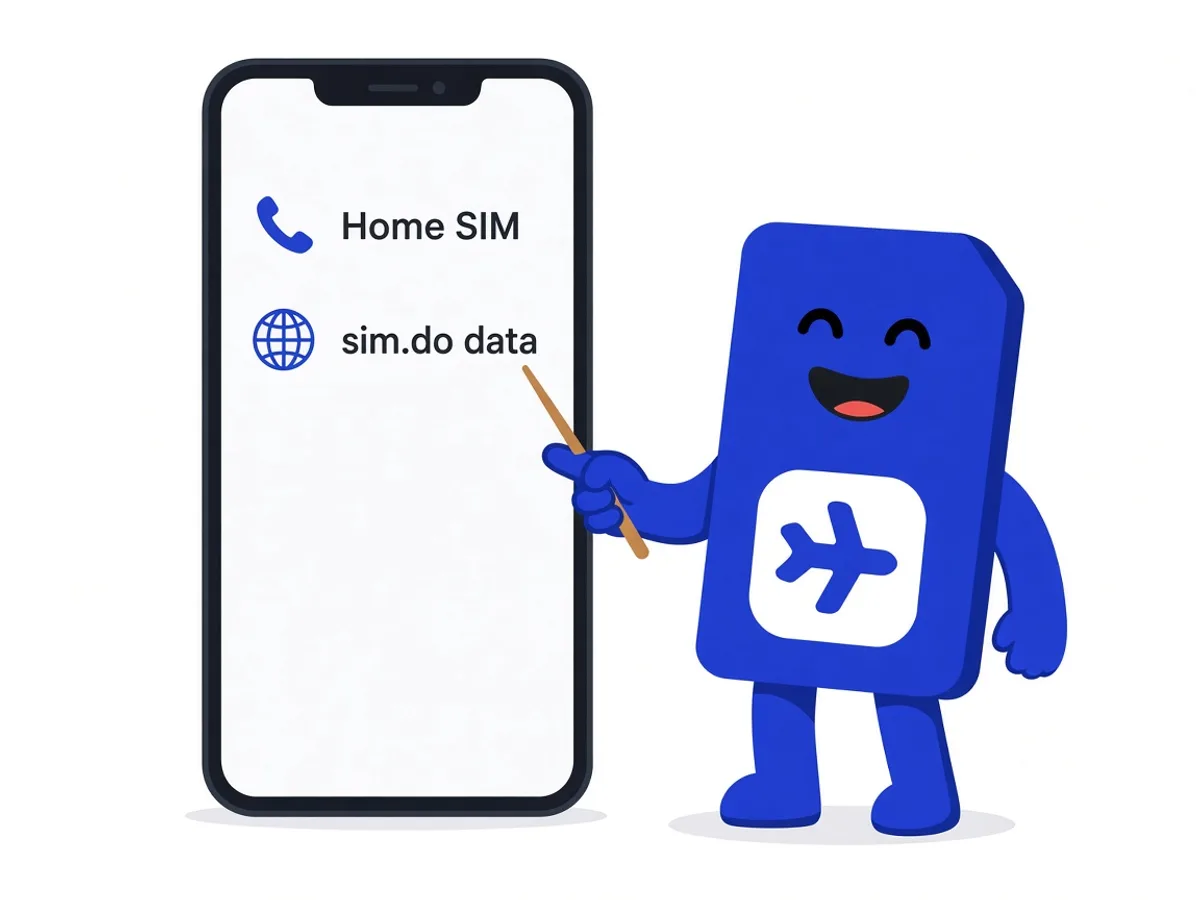
Most current phones keep a physical SIM and an eSIM ready at the same time. sim.do does not replace your number. The main SIM stays for calls and SMS. sim.do takes the travel data.
In short
Dual SIM with sim.do means: main SIM on for calls, sim.do as the only line for mobile data, Data Roaming on only for the sim.do line, and automatic data switching off. Messengers and maps stay on the travel package. Calls stay on your number.
Two lines, two jobs
The sim.do eSIM is a data-only plan. It does not put a second phone number on the device. You stay reachable on the main SIM as long as you leave it selected for calls and the network connects it.
In practice: WhatsApp, maps, and mail over sim.do, incoming calls on your usual number. Whether your model can keep two lines active at once is in the device list and the manual. Start the check on the compatibility page.
How to set the lines
- 1
Both lines on
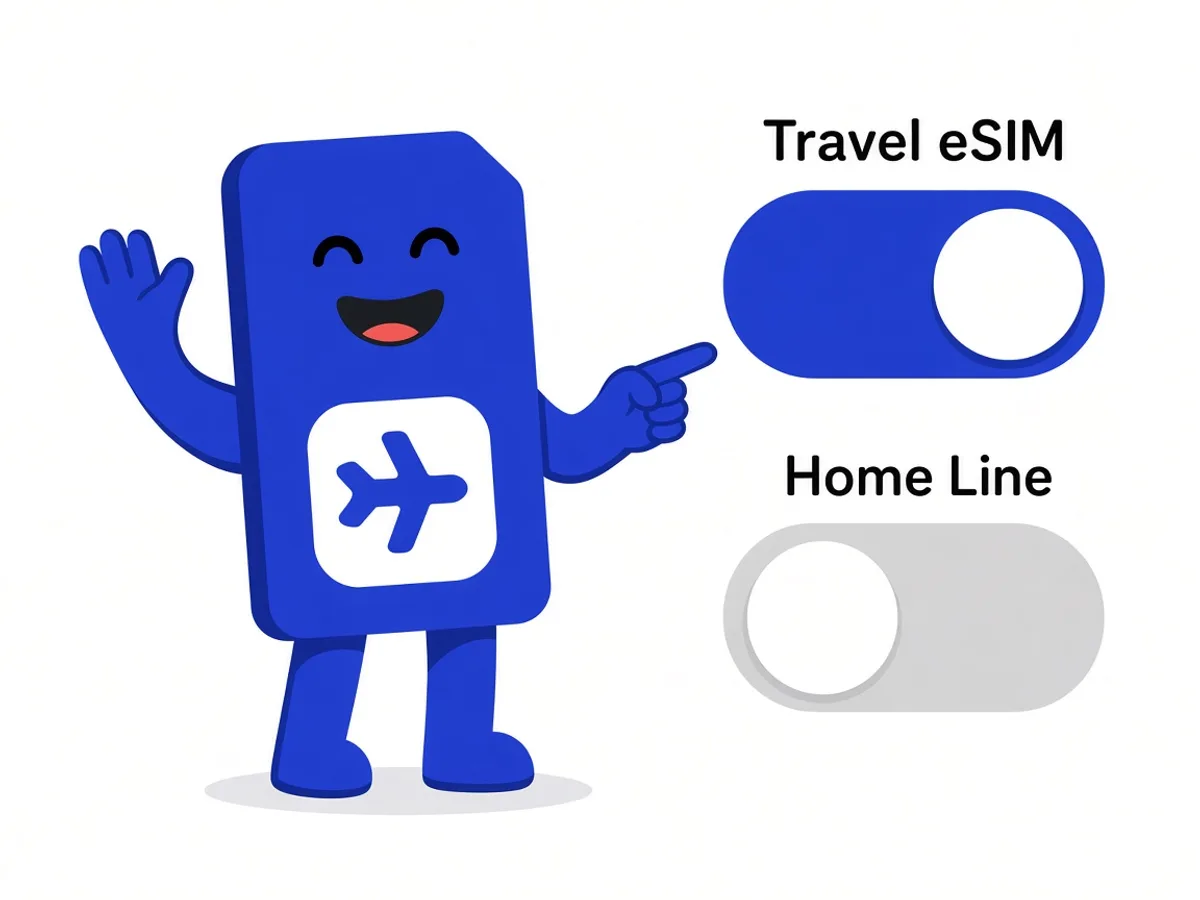
The main SIM and sim.do stay on. The sim.do line may appear under another name.
- 2
Data only on sim.do
Under mobile data, choose only the sim.do line. On iPhone that is Settings → Cellular → Cellular Data.
- 3
Switching off
Turn off “Allow Cellular Data Switching”, or the automatic data switch. Otherwise the phone uses the main SIM for data when sim.do signal is weak.
- 4
Calls on the main SIM
The default line for calls stays your own SIM. Turn Data Roaming on for sim.do and off for the main SIM if you do not want that contract’s roaming.
What Dual SIM does not turn off by itself
Roaming charges for calls and SMS on the main SIM do not disappear just because data runs over sim.do. If you call on your own number, you pay under the home contract.
A data plan is a separate prepaid package from the roaming charges of your home contract. sim.do charges its own line only what you paid in advance for the plan. There is no later sim.do invoice for minutes, because the line does not carry minutes.
Data Roaming is not the same as a roaming bill
Data Roaming on the sim.do line lets that eSIM use data abroad. Data Roaming on the main SIM lets your contract bill for data. Those are two switches.
What the phone cannot do here
Usual limits
- Usually only one data line is active at a time, even if several profiles are stored
- An installed sim.do eSIM cannot be moved to a second device
- Some regional versions, especially from mainland China, have no eSIM slot next to the plastic SIM
- VoIP apps can be restricted in some countries, independent of Dual SIM
Questions about Dual SIM
The questions that come up most often.
Do I keep my phone number?
Yes. sim.do adds data next to the main SIM and does not replace the number. Calls and SMS stay on the line you choose for them.
Can I use two eSIMs instead of a plastic SIM?
If your device can keep two eSIM profiles active at the same time, yes. One of them can be sim.do for data. Whether the model can do that is in the device list.
Why am I suddenly browsing on the home contract?
Often automatic data switching is on, or mobile data is still on the main SIM. Set sim.do firmly as the data line and turn automatic switching off.
Do iMessage or WhatsApp keep working?
Messengers use the data line. WhatsApp stays tied to your number, even when data runs over sim.do. iMessage follows Apple’s settings for the selected line.
Read next
Set up your eSIM
Hotspot and Data Roaming
Tethering uses the same allowance. The eSIM roaming switch is not a bill from your contract.
Set up your eSIM
Install an eSIM
Scan the QR code from the sim.do email, download the profile, and name the line — at home, on Wi-Fi.
Something is not working
eSIM not working
The profile is there, the internet is not: data line, roaming, APN, and restart, in that order.
Add a data package, keep the number
Pick the destination and leave the main SIM on for calls.