Activate an eSIM Only at the destination.
The plan becomes active when your device connects to a network at the booked destination and uses data. Buying and saving the profile do not start the clock.
In short
You activate a sim.do eSIM by installing it and, at the destination, turning it on as the mobile data line with Data Roaming. The booked period starts with that first data connection, not with the purchase. After purchase you have 30 days to install the profile.
What activate means for a sim.do eSIM
Activate means: the profile you already installed becomes the data line and registers on a network in the booked country or region. That connection starts the period.
You can download the profile days earlier. As long as mobile data for the sim.do line is off, you are not using it and the clock stays still. The steps to save the profile are under Install an eSIM.

When validity really starts
The period is the length on the plan, for example 7, 15, or 30 days. It is not the same as the 30 days you have after purchase to install.
An example: you buy a 7-day plan on 1 March, install the eSIM at home on 5 March, and use data only on 10 March at the destination. The 7 days start on 10 March.
Country plans work in the booked country. Regional plans work in the countries listed under “Covered countries” on the product page, and in the order confirmation. A connection outside that coverage does not reliably start the booked network.
Day passes also count their days from the first data use. The daily high-speed allowance resets under the rules of that pass. The exact amount is on the plan page, not as one number for every pass.
Do not “test it quickly” on your home network
If the sim.do line already uses data at home, that can start the period before the trip. Leave mobile data for this line off until you arrive.
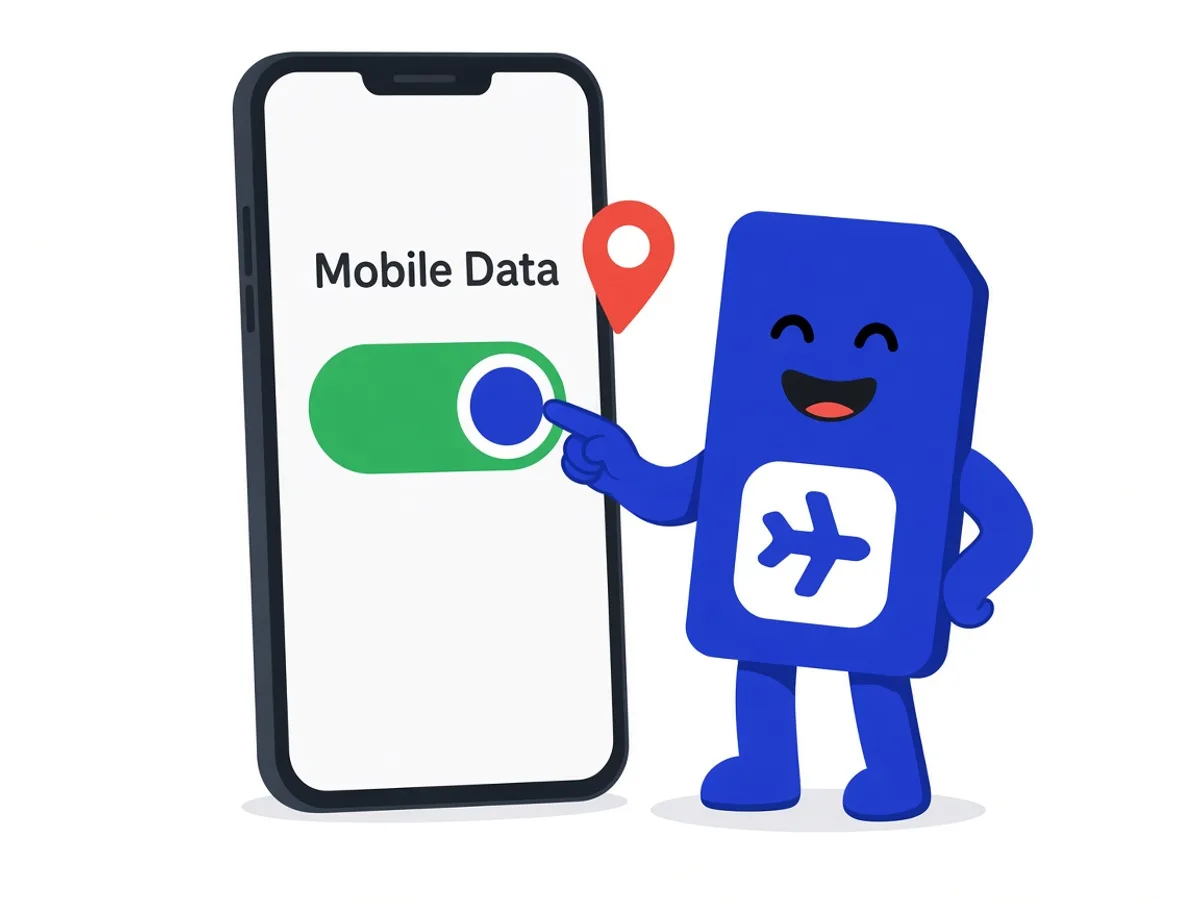
How to turn the eSIM on at the destination
- 1
Turn the line on
Under Cellular, turn on the sim.do eSIM. It may appear as “sim.do”, “Travel”, “Secondary”, or as the name of the local network.
- 2
Choose mobile data
Set sim.do as the line for mobile data. The main SIM can stay on for calls. Details are on Dual SIM.
- 3
Data Roaming on
Turn on Data Roaming for the sim.do line. That is the switch on the travel eSIM, not the roaming option of your home contract.
- 4
Wait a moment
Registration can take a few minutes. In some countries, such as Saudi Arabia, it is up to about five minutes, in Egypt up to about ten. A restart helps if the phone only says “No Service”.
The 30-day window after purchase
After purchase, the eSIM stays available for 30 days so you can install it. If you do not install in that window, you cannot download the profile afterwards.
The 30 days do not replace the plan period. A 7-day plan does not become 30 travel days because of the install window. The other way around, a 30-day plan does not start on the purchase day.
If there is no connection at the destination even though the period and allowance are there, the support page eSIM not working helps.
Questions about activation
The questions that come up most often.
Does the sim.do eSIM start as soon as I scan the QR code?
No. The scan installs the profile. The period starts with the first data connection at the booked destination.
How long can I wait to install?
30 days after purchase. After that the profile is no longer available to install.
Do I have to tap something at the airport?
If the profile is already installed at home: set mobile data to sim.do and turn on Data Roaming for this line. You do not need the QR code again.
Does a country plan also work in the next country?
No. A country plan works in the booked country. Several countries are covered by a regional plan. The list is on the product page under Covered countries.
Read next
Set up your eSIM
Install an eSIM
Scan the QR code from the sim.do email, download the profile, and name the line — at home, on Wi-Fi.
Set up your eSIM
Data and validity
Gigabytes, the period, and top-up: two limits, one plan. Top up only while it is still valid.
Set up your eSIM
Dual SIM with eSIM
Main SIM for calls on your own number, sim.do only for mobile internet.
Choose the destination first, then install in peace
The period waits for your first connection on site, not for the purchase day.