eSIM deleted What you can do now.
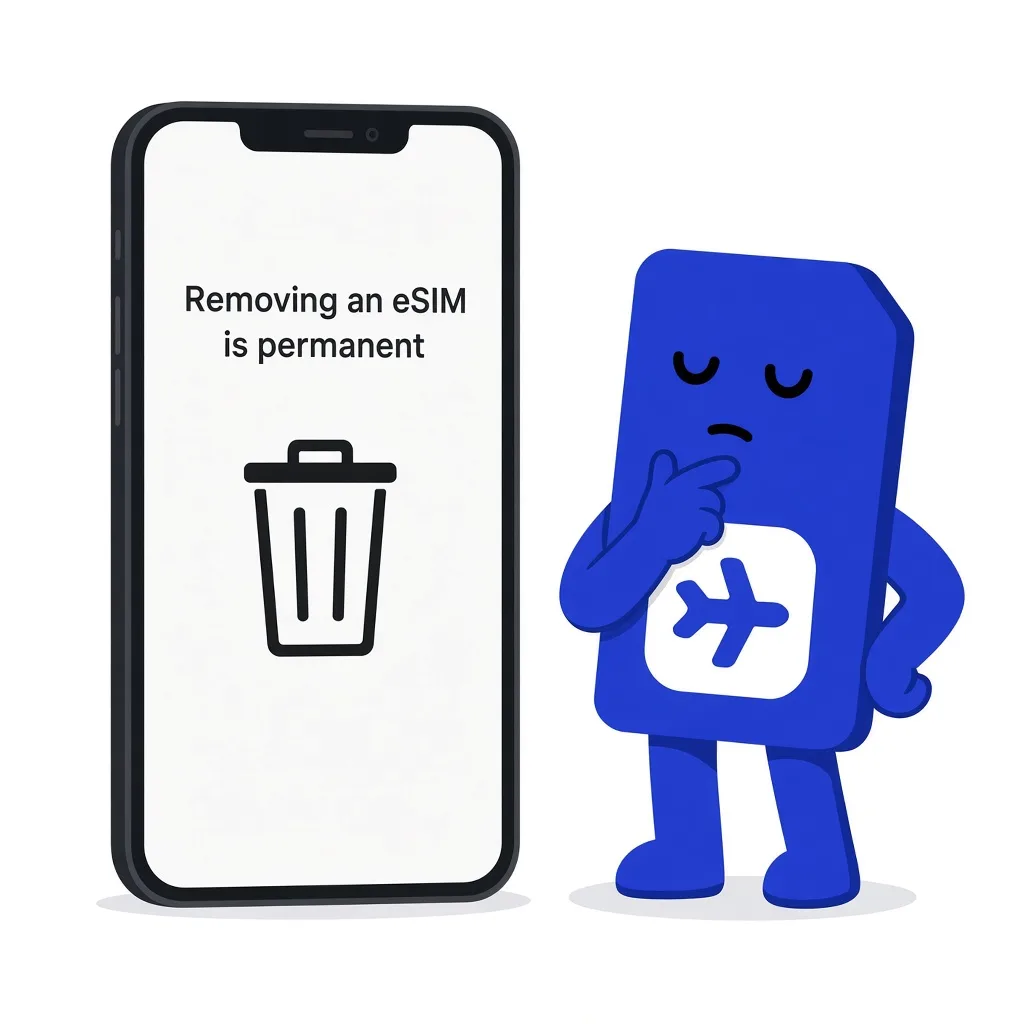
A sim.do eSIM you remove from the device is gone. The QR code you installed it with does not become valid again.
In short
If you remove the eSIM from the device, the profile is gone, including leftover allowance and the remaining period. The QR code works only once and cannot be moved to another phone. We cannot refund an eSIM that was already activated and then deleted. Write to support@sim.do with the ICCID if it happened by accident. We look at what is still possible.
What happens when you remove it
The profile disappears from the line list. Leftover data allowance and remaining days of this plan can no longer be used. A screenshot of the old QR code does not install the same profile a second time.
Do not delete the eSIM while data or validity is left. Removal is permanent.
Already activated, then deleted
We cannot refund an activated eSIM after it is deleted. When a withdrawal can still apply is under Withdrawal and refund. For the specific case, write to us with the ICCID.
Transfer, scan again, second phone
An already activated sim.do eSIM cannot be moved to another device, for security reasons. “Transfer eSIM” in some makers’ system settings applies to profiles whose provider allows it. For an activated sim.do eSIM that is not an option.
The eSIM can be installed only once, on one device. If you delete the profile, a new installation needs a new activation code. Scanning the old code again produces the message that it is no longer valid.
How to report an accidental deletion
- 1
Do not keep scanning
Further attempts change nothing. Keep the email. The old code does not install the profile again.
- 2
Have the ICCID ready
The ICCID is in the order confirmation and in the Dashboard under the same email address. The support form asks for it.
- 3
Write to us
Through the contact form or to support@sim.do. Name the email address of the order, the ICCID, the device model, and when you deleted it. We reply and look at what is still possible.
When you can delete on purpose
At the end of the trip, when allowance and the period are used up and you need the space on the device, deleting is the cleanup step. iPhone: Settings → Cellular → Cellular Plans → select the plan → Remove. Pixel: Settings → Network & internet → SIMs → plan → Remove. Samsung: Settings → Connections → SIM manager → plan → Remove.
Before that, look at Top up if the period is still running and you only need allowance. A top-up is not a new profile and not a new QR code.
Questions after deleting
The questions that come up most often.
Can support turn the old QR code back on?
The code works only once. Send us the ICCID and the email address of the order, and we look at the order. Scanning the same code again does not recreate the profile.
I moved the eSIM to the new iPhone. Does that work?
An activated sim.do eSIM cannot be transferred. If the move removed it from the old device, it counts as deleted.
Do I get the money back?
We do not refund an eSIM that was already activated and that you deleted. When a withdrawal is still possible is on the page Withdrawal and refund.
Does the Dashboard still show the eSIM?
The order stays tied to the email. That does not remove the “deleted on the device” status. You still need the ICCID to match it.
Read next
Something is not working
QR code won’t scan
The camera fails, the code was already used, or it says “no longer valid”: enter it by hand instead of buying again.
Order and invoice
Withdrawal and refund
The eSIM is provided right after purchase. What that means for withdrawal, and where you write.
Set up your eSIM
eSIM QR code
Where the sim.do QR code is, why it works only once, and how manual entry works.
The profile is gone
Write to support@sim.do with the ICCID and the email address of the order.