Order, invoice, top-up At sim.do.
A sim.do order does not need an account. The invoice and eSIM details go to the email address you enter at checkout. A top-up is optional and possible only while the plan is still valid.
In short
You pay at sim.do without signing up. The QR code appears on the Payment Successful page. The email brings the QR code and the invoice. The same address opens My eSIM Plans and top-up in the Dashboard. An extra link arrives when the allowance is running low. After validity ends, a top-up is no longer possible. For support requests you need the ICCID.
What happens after payment
The purchase is prepaid. The price on the plan page is the final price. Payment runs through Stripe. The contract is formed with the order confirmation. There is no subscription and no automatic renewal.
Right after purchase, the Payment Successful page shows the QR code. In the next 5 to 10 minutes the email follows with the QR code and the invoice. If the email is still missing after that, check spam and the email address from the order before you buy a second time.
In the order review you confirm the withdrawal notice before you tap Buy Now. What that means for a refund is under Withdrawal and refund and in the Terms.
Find an order without a required account
- 1
Email of the order
Search for the sim.do email at exactly this address. It contains the QR code, activation details, the invoice, and the blue button for device notes.
- 2
Dashboard, if you want it
Sign in with the same address under My eSIM Plans. An account is not required for the purchase and is optional for managing the plan.
- 3
Not a different address
Another email address does not see the order. sim.do matches plans to the address you entered when you paid.
Top up without buying a second eSIM
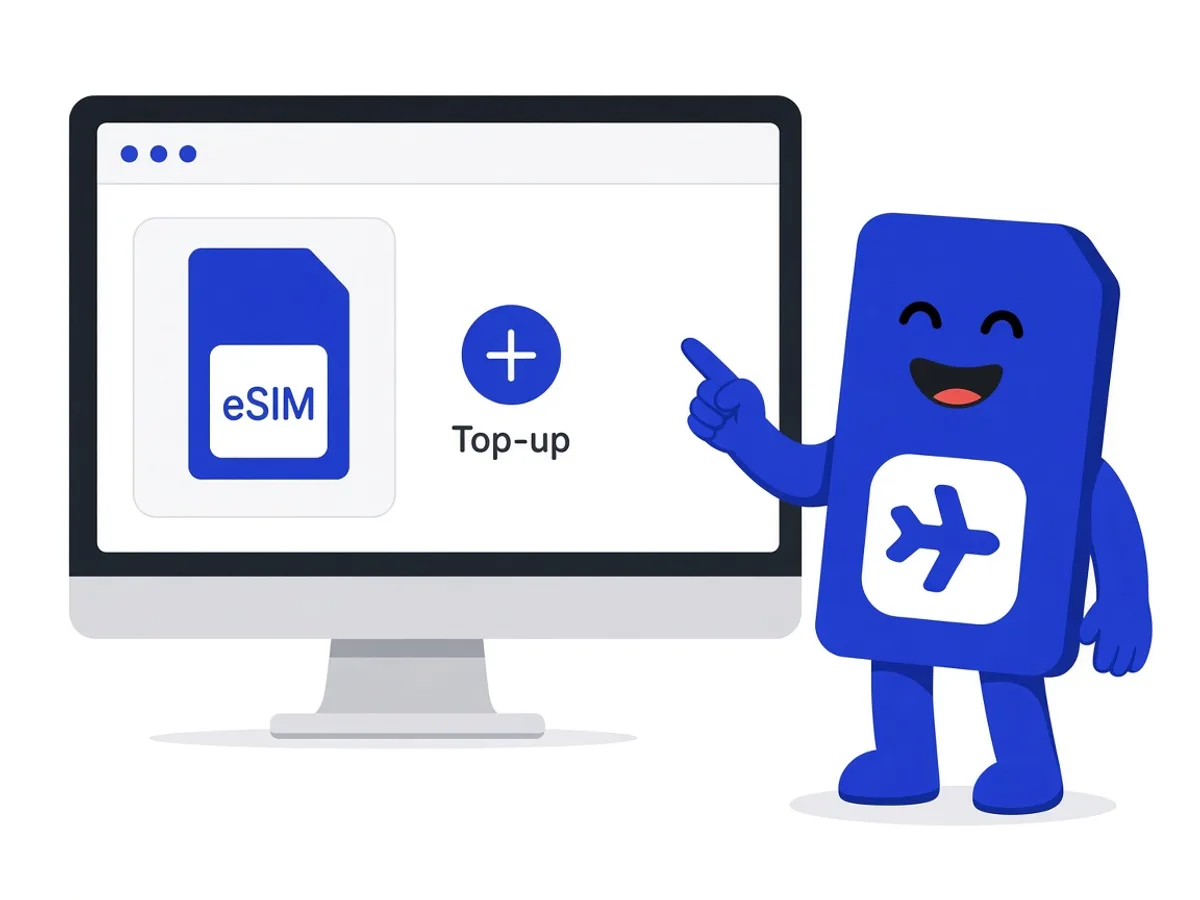
A top-up adds data to the existing eSIM. Sign in to the dashboard with the same email and top up there. Or use the direct link in the email we send when the allowance is running low. You do not need an account for that.
After validity ends, a top-up is no longer possible. For a later trip you buy a new plan. Which packages exist is on the country or region page.
The invoice is not the QR code
The invoice proves the payment. The QR code installs the profile. Both are in the order confirmation. The invoice alone does not install an eSIM.

Which details support needs
In every request
- The email address of the order
- The ICCID. The form on the help page asks for it
- The destination and the device model if the connection is the topic
- Write through the form or to support@sim.do
Questions about the order and the invoice
The questions that come up most often.
Do I have to create an account to buy?
No. At checkout you need an email address for delivery. The Dashboard is optional.
Where is the invoice?
In the order confirmation, together with the QR code. Also look in spam, and only in the inbox you used for the order.
Can I top up without registering?
Yes, through the direct link in the email that arrives when the allowance is low. In the Dashboard it also works with the same email.
Why does support want the ICCID and not only the name?
The ICCID matches the specific eSIM. The name alone is not enough when several orders share one address.
Read next
Set up your eSIM
Data and validity
Gigabytes, the period, and top-up: two limits, one plan. Top up only while it is still valid.
Order and invoice
Withdrawal and refund
The eSIM is provided right after purchase. What that means for withdrawal, and where you write.
Set up your eSIM
eSIM QR code
Where the sim.do QR code is, why it works only once, and how manual entry works.
Email missing, or allowance almost gone?
Check spam and the email address of the order. For a top-up, the link or the Dashboard is enough, while the plan is valid.