Data left, but no internet Display and line.
If sim.do still shows data allowance but the phone opens no page, the display is rarely the fault. More often the data line is somewhere else, or the counter has not caught up yet.
In short
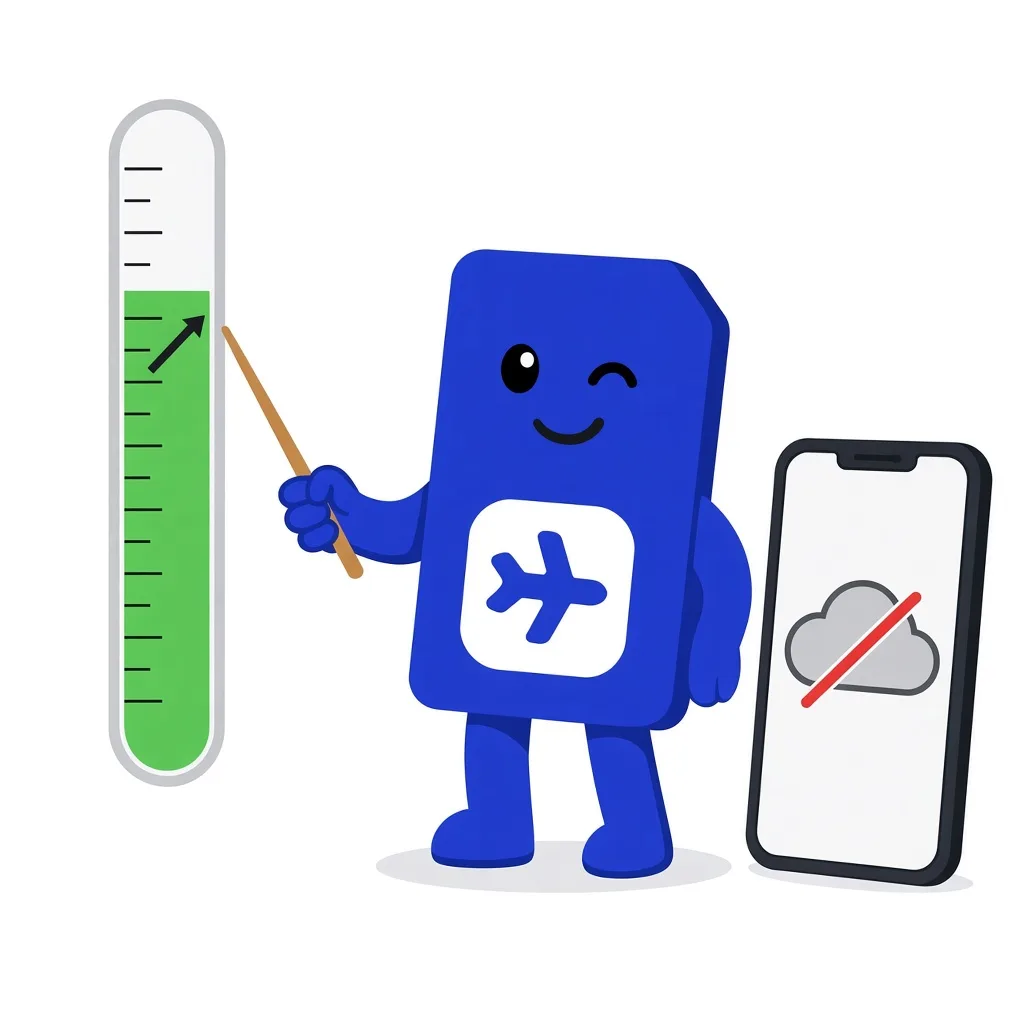
Our usage display is not always live. For the moment, data usage on the device counts, filtered to the sim.do line. Mobile data and Data Roaming must be on for this line. The counter can lag by 5 to 10 minutes.
Two displays, one of them lags
In the account you see the usage the network has reported. The phone shows what the line is sending right now. If the two numbers do not match, look on the phone to see whether you are online.
Open Settings → Cellular or Data usage and select the sim.do line. If the full package is already used there, the plan is used up, even if sim.do still draws leftover allowance. How the two limits fit together is explained in Data and validity.
Check before you trust the counter
- 1
The right line
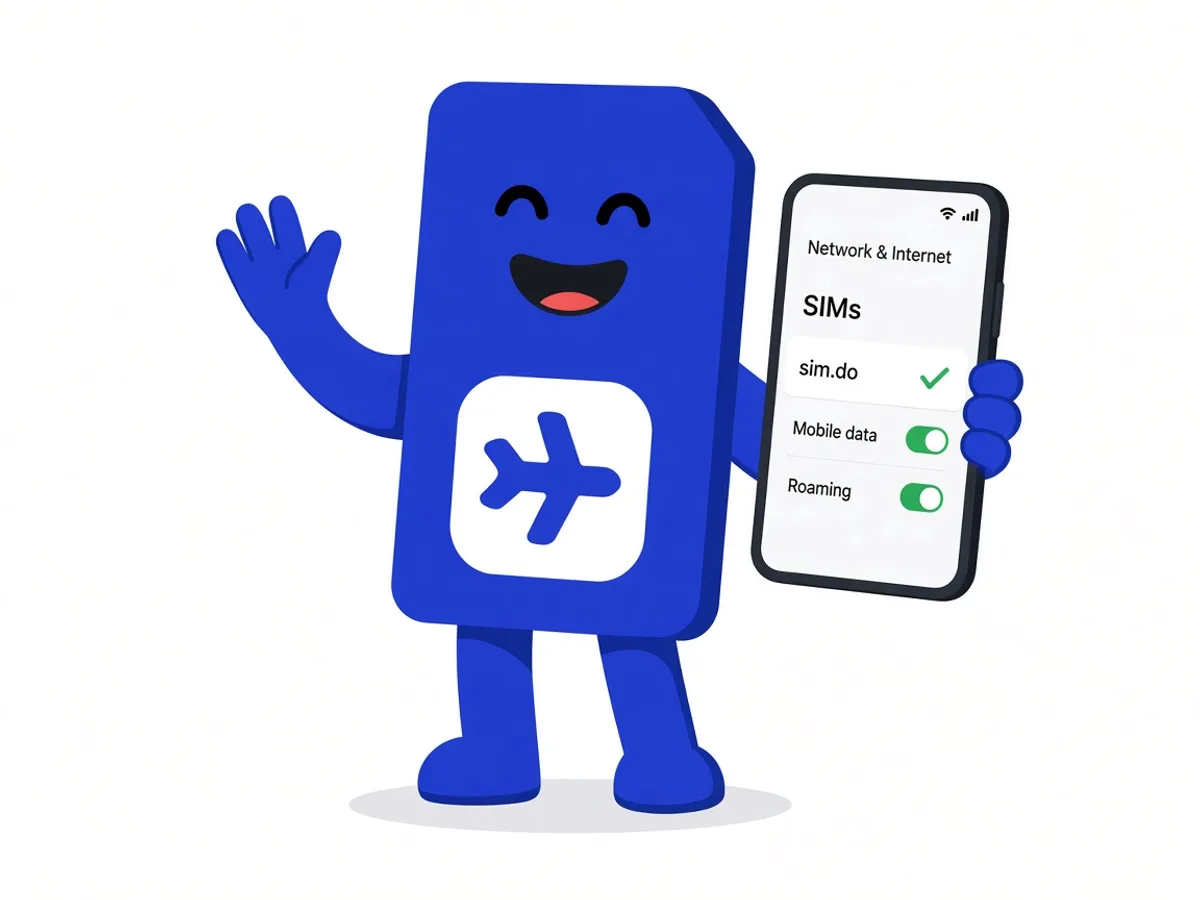
Mobile data is on sim.do. Bars on the main SIM do not mean the travel profile is online.
- 2
Data Roaming on
Only on the sim.do line. Without this switch, an installed travel eSIM often stays silent.
- 3
APN from the email
Enter it only if the blue button in the order confirmation names an APN.
- 4
Restart
Restart the device. In rare cases the sim.do counter catches up only after 5 to 10 minutes.
When five to ten minutes is enough
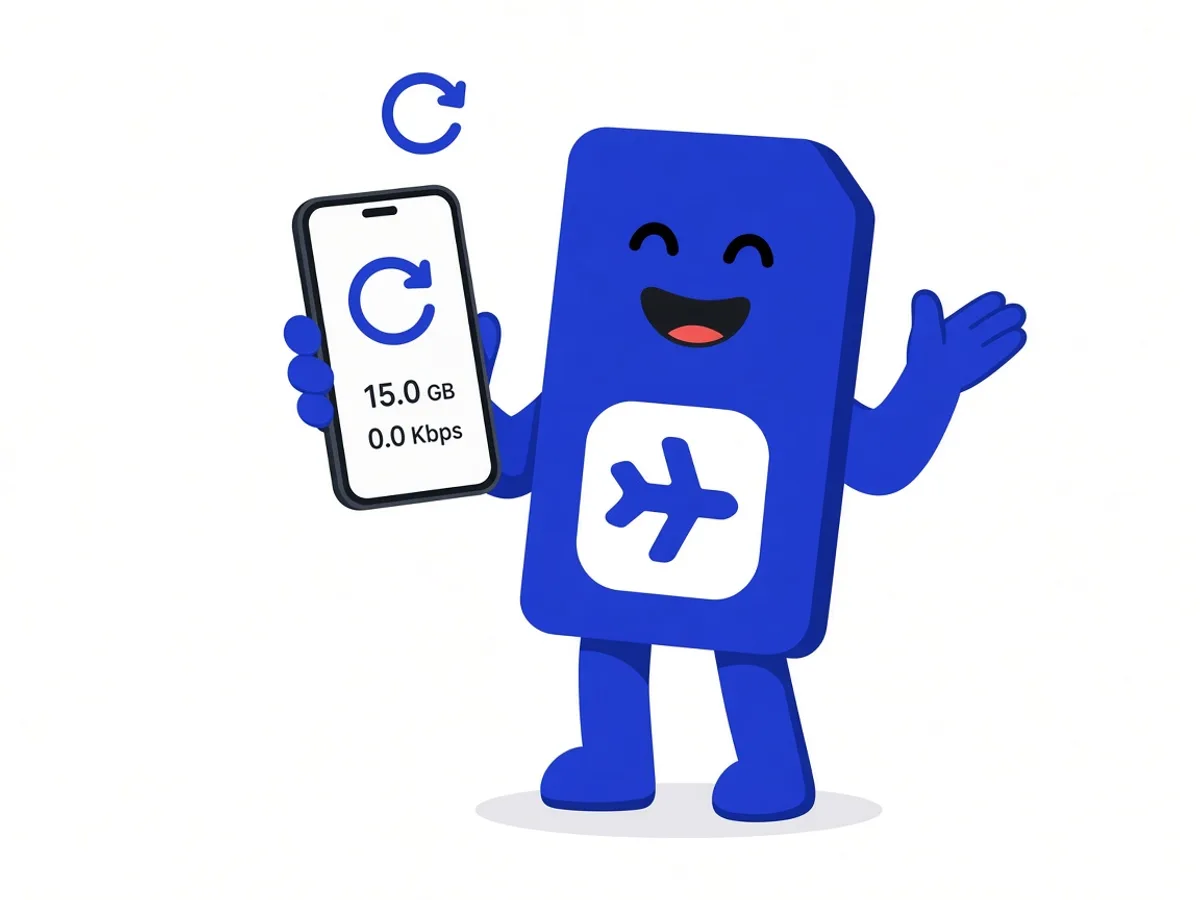
Right after a large download, the sim.do display can still show the old leftover allowance. Wait 5 to 10 minutes and reload the view in the Dashboard. Do not delete the profile during that time.
If nothing arrives after the restart and with the correct data line, even though the device itself still shows leftover allowance for this line, follow eSIM not working: change location, airplane mode, manual network selection.
When the package or the days are finished
If the allowance is used up according to the device and the period is still active, you can top up. That works in the dashboard with the same email, or through the link we send when the allowance is running low. After validity ends, a top-up is no longer possible.
The path is described on Order, invoice, top-up. You do not need a new profile for it.
Do not delete to “start over”
Deleting does not reset the counter. It removes the profile. Leftover allowance is gone after that.
Questions about the display
The questions that come up most often.
Why does sim.do show more allowance than my iPhone?
Our display is not always live. Data usage of the sim.do line on the device is the better source for the moment. Wait 5 to 10 minutes and check again.
I still have days, but 0 GB. What now?
Then the allowance ran out before the period. A top-up works while validity is still running. After that you need a new plan.
I still have GB, but 0 days.
The plan ends on the last day of validity. Leftover gigabytes are not transferred and cannot be topped up.
Is a screenshot of the display enough for support?
It helps together with the ICCID, the device model, and whether Data Roaming is on for the sim.do line.
Read next
Something is not working
eSIM not working
The profile is there, the internet is not: data line, roaming, APN, and restart, in that order.
Set up your eSIM
Data and validity
Gigabytes, the period, and top-up: two limits, one plan. Top up only while it is still valid.
Order and invoice
Order, invoice, top-up
Buy without an account, invoice in the email, top up in the Dashboard or through the link, ICCID for support.
Display and line checked?
If nothing loads after a restart and 10 minutes, send the ICCID and a screenshot of the device display to support.